
hidream-i1-fast
Text to ImageOptimized for speed, this variant generates images in just a few steps. Ideal for previews, real-time applications, and use cases where fast results are more important than fine detail.
veo3-image-to-video
Image to VideoVEO3 I2V animates static images into expressive video sequences, adding lifelike movement while preserving the original composition.
vfx
Image to VideoVFX delivers high-impact visual effects like explosions, particles, and cinematic overlays to transform static images into action-packed videos.
gpt4o-edit
Image to ImageEdit a specific part of an image using natural language. Ideal for object removal, replacement, or content-aware filling.
flux-kontext-pro-t2i
Text to ImageFlux Kontext Pro T2I offers fast and reliable generation with creative flexibility. It supports stylized prompts, character design, and fantasy themes while maintaining clear subject coherence.
ai-video-effects
Image to VideoAI Video Effects applies advanced visual transformations, color grading, and cinematic filters to create stunning videos from images.
veo3-text-to-video
Text to VideoVEO3 T2V generates cinematic videos from text prompts, capturing dynamic motion, rich scenes, and storytelling visuals in stunning detail.
suno-create-music
Text to AudioSuno generate music that turns text prompts into full songs — complete with vocals, lyrics, and instrumentation. You can describe a mood, genre, or even a specific lyric idea, and Suno creates a realistic, studio-quality track in seconds.
suno-extend-music
Text to AudioThis API extends audio tracks while preserving the original style of the audio track. It includes Suno's upload functionality, allowing users to upload audio files for processing. The expected result is a longer track that seamlessly continues the input style.
ai-image-face-swap
Image to ImageAdvanced facial recognition and blending algorithms enable precise face swaps while preserving skin tone, lighting, and facial geometry.
ai-dress-change
Image to ImageInstantly change outfits in images using AI. Visualize different clothing styles without the need for physical trials—perfect for fashion, e-commerce, and virtual try-ons.
mmaudio-v2-text-to-audio
Text to AudioConvert text into natural-sounding speech using mmAudio-v2. Ideal for voiceovers, virtual assistants, and content narration with lifelike clarity and tone.
runway-act-two-i2v
Image to VideoUpload a single character image and a driving video — the model transfers facial expressions and head movements from the video onto your image, bringing it to life. It works with photos, illustrations, or stylized portraits, making them speak, blink, and move naturally. Ideal for avatars, AI presenters, digital actors, and story scenes.
flux-2-klein-9b-edit
Image to ImageFlux-2-Klein-9B Edit performs higher-quality image edits with better detail retention, lighting consistency, and texture handling compared to smaller variants. It’s well-suited for cute character edits, object additions, and visual refinements that need to look natural and polished while keeping the original scene intact.
motion-controls
Image to VideoMotion Controls adds dynamic camera movements, speed ramps, and zoom effects to bring your images to life as smooth, engaging videos.
wan2.1-text-to-video
Text to VideoWAN 2.1 turns your written prompts into vivid, cinematic video clips. Ideal for storytelling, content creation, and visualizing abstract ideas, it supports detailed natural scenes, character motion, and dramatic camera movements — all from just text.
kling-v2.1-pro-i2v
Image to VideoKling 2.1 Pro is the high-end version of Kuaishou’s video generation model, offering enhanced realism, longer motion sequences, and cinematic quality. In I2V mode, it animates static images with fluid environmental effects.
seedance-lite-t2v
Text to VideoSeedance Lite T2V offers quick video generation from text with decent visual quality and motion. Ideal for fast previews, prototyping, or lightweight use cases where speed matters more than fine detail.
pixverse-v4.5-i2v
Image to VideoUpload an image and PixVerse v4.5 will breathe life into it with smooth camera motion, realistic effects, and animated elements. Whether it’s a portrait, landscape, or concept art, this mode turns still visuals into dynamic short videos.
veo3-fast-text-to-video
Text to VideoVEO3 Fast T2V creates short videos from text instantly, balancing speed and quality for quick content generation and prototyping.
minimax-hailuo-2.3-pro-i2v
Image to VideoHailuo 2.3 Pro I2V breathes life into still images with stunning motion synthesis and cinematic camera control. Using deep motion understanding, it predicts realistic subject movement, depth, and environmental motion from a single input frame — delivering smooth, film-grade clips.
vidu-q2-turbo-start-end-video
Image to VideoVidu Q2 Turbo Start–End Video creates highly detailed cinematic sequences by interpolating between two visual states — your start frame and end frame. Built for story moments, cinematic transformations, product reveals, and artistic transitions, it captures smooth motion, realistic lighting shifts, and dynamic camera movements while maintaining fidelity and emotional tone.
mmaudio-v2-video-to-video
Video to VideoMMAudio-v2 generates high-quality, synchronized audio from video or text inputs. Seamlessly integrate it with AI video models to create fully-voiced, expressive video content.
gpt4o-text-to-image
Text to ImageGenerate images from text prompts using GPT-4o's vision capabilities. Ideal for basic concept visuals, diagrams, and abstract compositions.
qwen-image
Text to ImageGenerate high-quality, detailed images from text prompts in various styles — from realistic to artistic — perfect for creative visuals, product shots, and concept art.
reve-text-to-image
Text to ImageGenerate images from text prompts using reve's vision capabilities. Ideal for basic concept visuals, diagrams, and abstract compositions.
ai-product-shot
Image to ImageInstantly generate studio-quality product images with AI. Upload your item photo and get clean, stylized shots perfect for e-commerce, ads, and catalogs.
midjourney-v7-image-to-video
Image to VideoMidjourney V7’s I2V breathes motion into still images, animating characters, environments, and objects with artistic transitions. Ideal for looping visual stories, concept animations, or enhancing still visuals with subtle motion.
vidu-q2-text-to-image
Text to ImageVIDU Text-to-Image Q2 is a high-quality generative model focused on producing vivid, dynamic, and cinematic still images using natural language prompts. It excels at atmospheric depth, expressive lighting, surreal concepts, and motion-infused compositions typical of VIDU’s visual identity.
flux-2-pro-edit
Image to ImageFlux-2-Pro Edit enables precise, high-fidelity modifications to an existing image while preserving its lighting, style, mood, and composition. It’s ideal for replacing objects, altering materials, adjusting environmental elements, or performing stylistic transformations without damaging the original scene’s quality. Flux-2-Pro maintains ultra-detailed textures and cinematic realism during edits.
pixverse-v5.5-i2v
Image to VideoPixVerse v5.5 I2V transforms a single image into a dynamic cinematic video clip. It adds smooth camera motion, atmospheric animation, natural parallax, and environmental effects while preserving the image’s original art style and composition.
flux-schnell
Text to ImageFlux Schnell is a lightning-fast image generation model designed for rapid iterations. It delivers good visual quality from text prompts almost instantly, making it perfect for real-time concept testing, brainstorming, and UI-integrated experiences.
flux-2-dev
Text to ImageFlux 2 Dev is a powerful text-to-image diffusion model designed for high-quality, fast, and highly detailed visual generation. It excels at creating cinematic lighting, vibrant compositions, surreal concepts, characters, products, and worlds with strong prompt following and artistic control. Ideal for rapid image ideation, visual storytelling, and concept art.
ai-skin-enhancer
Image to ImageSmooth skin, reduce blemishes, and enhance complexion with natural-looking results. Perfect for portraits, selfies, and professional photo retouching.
flux-kontext-dev-t2i
Text to ImageGenerates an image from a text prompt, with optional reference image for pose or style guidance. Ideal for controlled, consistent image creation using just a description.
hidream-i1-dev
Text to ImageOptimized for speed, this variant generates images in just a few steps. Ideal for previews, real-time applications, and use cases where fast results are more important than fine detail.
ai-image-upscaler
Image to ImageTransform blurry or pixelated images into high-definition visuals. Our AI Image Upscaler uses deep learning to reconstruct details and bring your visuals to life.
ai-product-photography
Image to ImageCreate professional-grade product photos using AI. Upload your item image and describe it with a prompt, and get studio-style, lifestyle, or creative backgrounds in seconds
flux-kontext-max-t2i
Text to ImageFlux Kontext Max T2I delivers photorealistic or cinematic-quality images with exceptional detail. It's optimized for high-end visuals — from realistic humans to polished product renders.
runway-image-to-video
Image to VideoAnimate any image by turning it into a video with motion effects or scene continuity. RunwayML’s I2V model transforms static visuals into short clips by extrapolating depth, movement, and temporal dynamics.
openai-sora-2-pro-storyboard
Text to VideoSora 2 Pro enables creators to structure video narratives by chaining multiple scenes through storyboard “cards.” Each card defines a segment of the video—setting, characters, actions, timing—and the model stitches them into a cohesive multi-scene video. This gives you more control over pacing, transitions, and storytelling flow.
hunyuan-text-to-video
Text to VideoHunyuan T2V generates detailed and dynamic videos from text prompts with a focus on realism and coherent motion. It handles multi-object scenes, human actions, and cinematic compositions effectively, making it ideal for storytelling and visual concepts.
kling-o1-edit-image
Image to ImageKling O1 Image Edit applies targeted transformations to an existing image while preserving composition, lighting, and visual consistency. Use it to replace objects, retouch elements, change materials, or apply stylistic shifts with high fidelity and minimal artifacts.
any-llm
Text to TextAny LLM is a versatile large language model for text generation, comprehension, and diverse NLP tasks such as chat and summarization. Ready-to-use REST inference API, best performance, no coldstarts, affordable pricing.
openai-sora-2-pro-image-to-video
Image to VideoSora 2 Pro I2V brings still images to life, transforming them into short videos with natural motion, realistic lighting, and synchronized audio. Upload your image, describe the movement (camera motion, subject action, ambience), add optional dialogue or sound effects, and watch it animate. Ideal for cinematic reveals, promo videos, social content, or storytelling from a static photo.
bytedance-seedream-v3
Text to ImageSeedream is designed for generating visually rich and artistic images from text prompts. It excels at fantasy, anime, surrealism, and vibrant color compositions — ideal for creative visuals, storyboards, and concept art.
kling-v2.1-standard-i2v
Image to VideoKling 2.1 Standard (developed by Kuaishou) brings static images to life by generating smooth, realistic video clips from a single frame. It captures subtle motion, background dynamics, and camera movement to produce professional-looking animations — ideal for portraits, digital art, and cinematic illustrations.
qwen-image-edit-2511
Image to ImageQwen Image Edit 2511 performs precise, instruction-driven edits on an existing image while preserving composition, lighting, and overall style. It’s well-suited for object replacement, material changes, localized edits, and subtle scene adjustments with strong visual consistency and minimal artifacts.
veo3.1-image-to-video
Image to VideoVeo 3.1 is Google's advanced AI video generation model that allows users to create high-quality, 8-second videos from static images. This feature is particularly useful for transforming concept art, storyboards, or static visuals into dynamic video clips with synchronized audio.
veo3.1-extend-video
Text to VideoVeo 3.1’s Extend Video mode lets you continue or expand an existing video clip seamlessly. Starting from a short generated video, you can prompt the model to extend the scene—keeping visual style, characters, motion, and audio consistent. This model needs original task_id of the video.
qwen-text-to-image-2512
Image to ImageQwen Image Text-to-Image 2512 generates high-resolution, visually consistent images from text prompts. It focuses on strong scene structure, clean composition, and atmospheric lighting, making it well-suited for cinematic environments, surreal concepts, fantasy and sci-fi worlds.
ai-video-face-swap
Video to VideoReplace faces in videos with stunning realism. Our AI ensures accurate expression transfer, lighting consistency, and smooth frame-by-frame blending.
ltx-2-pro-image-to-video
Image to VideoLTX-2 Pro is the high-fidelity video-generation engine by Lightricks designed for professional workflows, supporting both text-to-video and image-to-video inputs. It enables realistic motion, synchronized audio-video, cinematic camera moves and stylized visuals. Ideal for your timeline-based video interface: you supply a prompt or image, define duration/aspect ratio, then it generates a clip that you can ingest, rename, batch-move, split or timeline-edit.
openai-sora-2-image-to-video
Image to VideoSora 2’s I2V lets you bring still images to life by animating them into short video clips with natural motion, audio, and visual effects. While realistic portraits of people aren’t allowed at launch, you can use objects, landscapes, stylized characters or scenes. Use detailed prompts for camera movement, atmosphere, and pacing to get the best results.
veo3.1-text-to-video
Text to VideoVeo 3.1 is Google's advanced AI video generation model that transforms text prompts into high-quality videos. This model offers enhanced realism, richer audio, and improved narrative control, making it suitable for creators seeking cinematic-quality content.
vidu-q2-reference-to-image
Image to ImageVIDU Reference-to-Image Q2 generates new high-quality images based on one or more reference images. It preserves the key identity, structure, or style of the reference while creating a new scene, variation, or enhanced composition. Ideal for character consistency, object re-interpretation, stylized redesigns, and cinematic recreations guided by reference inputs.
kling-v2-avatar-standard
Audio to VideoAI-Avatar v2 Standard generates a talking-avatar video from a reference image and an audio dialogue. It performs accurate lip-sync, natural facial expressions, subtle head motion, blinking, and light emotional cues based on voice tone. This Standard version focuses on speed and natural realism.
openai-sora-2-text-to-video
Text to VideoSora 2 T2V converts text prompts into short, dynamic 10-second video clips with synchronized audio. Users can describe scenes, motion, camera angles, and sound effects, and Sora 2 brings them to life with cinematic realism or stylized visuals. Perfect for storytelling, social media content, and creative experimentation, while maintaining high-quality visuals and immersive audio.
bytedance-seedream-v5.0
Text to ImageSeedream 5.0 Lite is ByteDance’s next-generation text-to-image model, delivering high-fidelity AI art with advanced visual reasoning and precise typography. Supporting up to 4K resolution and cinematic detail, it excels at complex scene construction, consistent character generation, and real-time knowledge integration for accurate, contextually relevant visuals.
ai-background-remover
Image to ImageInstantly remove image backgrounds with pixel-perfect precision. Ideal for product photos, profile pictures, and creative projects.
flux-kontext-pro-i2i
Image to ImageFlux Kontext Pro I2I variant enables transforming base images into refined artwork while keeping structure intact. It’s useful for sketch refinement, visual style changes, and creative edits such as re-dressing, relighting, or re-theming with prompt guidance.
kling-o1-standard-reference-to-video
Image to VideoKling O1 Standard Reference-to-Video generates a smooth, realistic video using one or multiple reference images as visual guidance. It preserves the visual identity, composition, and lighting from the references while adding subtle camera motion, natural parallax, and light environmental animation. This mode prioritizes stability and realism, making it ideal for character shots, environments, product visuals, and calm cinematic scenes.
seedance-v1.5-pro-i2v
Image to VideoSeedance v1.5 Pro Image-to-Video converts a single still image into a smooth cinematic video clip. It preserves the original image’s composition, subject identity, and lighting while adding controlled camera motion, natural parallax, and environmental animation. This mode balances visual quality and motion complexity, making it ideal for cinematic scenes, fantasy worlds, sci-fi environments, and storytelling shots.
kling-v2.6-std-motion-control
Video to VideoKling v2.6 Pro Motion Control allows precise control over camera movement, subject motion, and scene dynamics during video generation. Instead of leaving motion fully implicit, this mode lets you explicitly define how the camera moves (pan, tilt, orbit, dolly, zoom) and how objects or characters behave over time.
veo3.1-4k-video
Text to VideoGet the ultra-high-definition 4K version of a Veo3.1 video generation task. This model is optimized for producing crisp, detailed videos suitable for professional and cinematic applications. It enhances visual fidelity while maintaining temporal coherence and realistic motion.
openai-sora-2-pro-text-to-video
Text to VideoSora 2 Pro T2V is the high-fidelity version of OpenAI’s video generation model. It converts your text prompts into cinematic, richly detailed video clips with synchronized audio, realistic motion, strong physics, and creative control over style, mood, and pacing. Perfect for creators, storytellers, advertisers, and anyone who wants top-quality video content from text.
hunyuan-image-3.0
Text to ImageHunyuan Image 3.0 brings together powerful architecture (Mixture-of-Experts + autoregressive style) to produce richly detailed and coherent images from complex prompts. It can read narrative descriptions, render text and signage cleanly, and support multiple visual styles — from photorealism to illustrations.
gpt-image-1.5-edit
Image to ImageGPT-Image-1.5 Edit applies precise, instruction-based modifications to an existing image while preserving composition, lighting, perspective, and visual coherence. It’s well-suited for object replacement, concept evolution, symbolic edits, and creative transformations that feel natural and intentional rather than destructive.
flux-2-klein-9b
Text to ImageFlux-2-Klein-9B is a mid-size text-to-image model that balances detail quality and generation speed. It handles richer lighting, better textures, and more nuanced scenes than smaller variants, while still working well with clear, grounded prompts. Ideal for polished illustrations, product visuals, mascots, and everyday scenes with character.
flux-dev
Text to ImageGenerate stunning visuals from simple text prompts. Flux Dev transforms your ideas into high-quality, creative images using powerful AI vision models. Perfect for design, storytelling, concept art, and marketing.
ai-color-photo
Image to ImageAutomatically add lifelike colors to black-and-white images. Our AI brings history to life with natural tones, accurate shading, and context-aware colorization.
ltx-2-19b-lipsync
Audio to VideoLTX-2-19B LipSync generates a realistic talking video by synchronizing a person’s mouth movements to an input audio clip. It preserves facial identity, head position, lighting, and natural expressions while producing accurate lip motion, subtle blinking, and stable temporal consistency. Ideal for avatars, dubbing, dialogue replacement, and character narration.
nano-banana
Text to ImageNano Banana is an advanced AI model excelling in natural language-driven image generation and editing. It produces hyper-realistic, physics-aware visuals with seamless style transformations.
z-image-turbo
Text to ImageZ-Image Turbo is a high-speed text-to-image model optimized for fast creative generation. It produces detailed, high-contrast, high-resolution images with strong stylization control. Ideal for rapid concept creation, visual exploration, product ideas, fantasy scenes, and cinematic composition tests. Designed for low latency and strong prompt adherence.
veo3-fast-image-to-video
Image to VideoQuickly transform static images into short, motion-rich video clips with fast rendering and impressive quality — powered by Google's VEO3 on MuAPI.
ai-anime-generator
Text to ImageCreate stunning anime-style artwork instantly with our AI Anime Generator. Customize characters, scenes, and styles effortlessly in seconds!
kling-v2-avatar-pro
Audio to VideoAI-Avatar v2 Pro takes a reference image of a person/character and an audio dialogue clip, then generates a realistic talking-avatar video. It preserves identity, lip syncs accurately to the audio, adds natural head movement, eye motion, expressions, and cinematic lighting.
ai-object-eraser
Image to ImageEasily remove unwanted objects, people, or text from any image using AI. Just select the area you want to erase, and the model will intelligently fill the space with realistic background matching the surrounding environment. No Photoshop skills needed.
infinitetalk-video-to-video
Video to VideoInfiniteTalk Video-to-Video enhances or transforms existing videos by syncing the subject’s lip movements and facial expressions with new dialogue or speech. Instead of starting from a still image, you provide a video clip, and the model seamlessly reanimates the speaker’s mouth and expressions to match the script.
runway-text-to-video
Text to VideoGenerate short, high-quality videos from plain text prompts. RunwayML’s text-to-video model interprets your written description and animates it into a moving visual scene with realistic or stylized motion.
chroma-image
Text to ImageCroma Image is an advanced text-to-image generation model designed for high-quality, creative, and versatile visuals. It can produce anything from photorealistic portraits and products to imaginative concept art, fantasy illustrations, and cinematic scenes.
wan2.5-image-to-video-fast
Image to VideoConvert a single static image into a cinematic short video with realistic motion, dynamic camera movement, and environmental effects. The Fast mode generates high-quality videos quickly, perfect for rapid prototyping, social media clips, and immersive visual storytelling from still images.
heygen-video-translate
Video to VideoConvert any video into 175+ languages with synchronized voice translation, AI-voice cloning, and accurate lip sync. Just upload your video (or provide a link), select a target language, and HeyGen recreates the speech in that language. 0.05$ per second.
ltx-2-19b-image-to-video
Image to VideoLTX-2-19B Image-to-Video animates a single image into a coherent cinematic clip with strong temporal stability. It preserves composition and lighting while adding controlled camera motion, realistic parallax, and subtle environmental dynamics—well suited for grounded scenes, near-future concepts, and story beats.
kling-v3.0-standard-image-to-video
Image to VideoKling 3.0 Standard Image-to-Video animates a single input image into a short, realistic video with smooth, stable motion. It prioritizes temporal consistency, natural physics, and subtle camera movement, making it ideal for everyday scenes, travel moments, people, vehicles, and calm cinematic shots.
add-image-watermark
Image to ImageAdd custom watermark to images with adjustable position, opacity, and size. Free local processing using PIL.
wan2.1-text-to-image
Text to ImageWAN 2.1 is a powerful AI model that transforms text prompts into high-resolution, photorealistic images. It excels at detailed object rendering, realistic lighting, and fine textures, making it ideal for visual content, concept art, advertising, and digital storytelling.
wan2.5-text-to-video-fast
Text to VideoTransform text prompts into short, cinematic videos with natural motion, realistic environments, and dynamic camera perspectives. Fast mode delivers quick, high-fidelity video generation, ideal for creative storytelling, concept visuals, and social media content.
pixverse-v5-t2v
Text to VideoPixVerse V5 delivers a major leap forward in AI-powered video creation — now featuring smoother motion, ultra-high resolution, and expanded visual effects.
ovi-image-to-video
Image to VideoOvi is a unified audio–video generation model that can transform a static image plus a descriptive prompt into a short video with synchronized audio. It supports both text-to-video and image-conditioned video inputs. With built-in lip sync, background audio / sound effects, and dialogue support, Ovi brings still visuals to life in cinematic fashion. Videos are generated in 540p resolution.
seedance-v1.5-pro-video-extend
Video to VideoSeedance v1.5 Pro Video Extend continues an existing video by generating additional frames that match the original scene’s style, lighting, motion, and mood. It is designed for smooth temporal consistency, making it ideal for extending cinematic shots, atmospheric scenes, or slow camera moves without introducing visual jumps or style changes.
infinitetalk-image-to-video
Audio to VideoInfiniteTalk Image-to-Video brings still portraits and character photos to life by generating natural, realistic talking videos. You provide a single face image and a dialogue script, and the model animates lip movement, facial expressions, and subtle head gestures to match the speech.
ovi-text-to-video
Text to VideoOvi is a unified model that generates synchronized video and audio from textual input. You write a scene description, including dialogue and ambient sounds, and Ovi produces a short video clip (typically ~5 seconds) where visuals and sound align naturally. Videos are generated in 540p resolution.
leonardoai-phoenix-1.0
Text to ImageLeonardoAI Phoenix 1.0 is a professional-grade AI image model designed for realistic, cinematic, and highly detailed visuals. It excels at interpreting complex prompts, rendering text within images, and creating high-resolution outputs suitable for editorial, commercial, or creative projects.
nano-banana-2-edit
Image to ImageNano Banana 2 (Gemini 3.1 Flash Image) is Google's most advanced image generation model, combining speed with high-fidelity 4K output and revolutionary character consistency.
bytedance-seedream-v5.0-edit
Image to ImageSeedream 5.0 Lite Edit is an advanced image transformation model by ByteDance, enabling precise, controllable edits using natural language. It specializes in high-fidelity style transfer (Anime, Cyberpunk, Fantasy), background swaps, and object modification while preserving original lighting, color tones, and character consistency for professional-grade creative reworks.
kling-o1-standard-image-to-video
Image to VideoKling O1 Standard Image-to-Video converts a single still image into a short, natural-looking video clip. It preserves the original image’s composition and lighting while adding subtle camera motion, gentle parallax, and light environmental animation. This mode focuses on realism and stability rather than heavy effects, making it ideal for clean cinematic shots, environments, characters, and product visuals.
leonardoai-lucid-origin
Text to ImageLucid Origin is LeonardoAI’s advanced image generation model, designed for ultra-realistic, vibrant, and highly detailed visuals. It excels at creating photorealistic portraits, landscapes, product shots, and stylized art while faithfully following complex prompts.
veo3.1-fast-image-to-video
Image to VideoVeo 3.1 Fast is an optimized version of Google’s Veo 3.1 AI that transforms static images into dynamic 8-second videos at higher speed. It preserves visual fidelity while enabling rapid generation, making it ideal for social media clips, storyboards, and quick creative previews.
veo3.1-fast-text-to-video
Text to VideoVeo 3.1 Fast T2V is a high-speed AI video model that transforms text prompts into realistic 8-second videos. It emphasizes rapid generation while maintaining visual quality, accurate scene representation, and smooth motion. Ideal for social media, creative storytelling, or rapid concept visualization, it supports cinematic framing, dynamic lighting, and natural object movements.
wan2.6-image-edit
Image to ImageWAN 2.6 Image Edit applies targeted, instruction-based edits to an existing image while preserving composition, perspective, and lighting. It’s ideal for object replacement, material changes, environment tweaks, and style adjustments with clean integration and minimal artifacts—keeping the original scene coherent and cinematic.
veo3.1-reference-to-video
Image to VideoVeo 3.1 R2V allows creators to generate dynamic videos using up to three reference images. The model maintains visual consistency of characters, objects, and style throughout the video, producing cinematic-quality 8-second clips. It’s perfect for turning concept art, storyboards, or character designs into short, animated sequences while preserving original aesthetics.
ai-clipping
Video to VideoConvert long-form videos into engaging short clips using AI clipping.
wan2.1-image-to-video
Image to VideoAnimate static images into expressive video sequences with WAN 2.1. Upload any image and guide its transformation into a moving scene — great for bringing art, characters, or photos to life with smooth motion and consistent style.
perfect-pony-xl
Text to ImagePony XL is a high-quality image generation model based on Stable Diffusion XL architecture. It specializes in character art, hybrid styles, and producing detailed, polished visuals even with simpler prompts.
seedance-pro-t2v-fast
Text to VideoSeedance Pro Fast is ByteDance’s advanced text-to-video model that turns natural-language prompts into short, cinematic video clips with realistic motion, camera dynamics, and consistent scene detail.
minimax-hailuo-2.3-pro-t2v
Text to VideoHailuo 2.3 Pro T2V turns your imagination into motion-picture realism. It interprets natural language prompts and generates visually stunning cinematic sequences that capture depth, atmosphere, and authentic motion.
seedance-pro-i2v-fast
Image to VideoSeedance Pro Fast is the high-speed image-to-video generation variant from ByteDance’s Seedance series. With this model you upload a reference image and—using a text prompt—generate short, dynamic video clips (typically 3-12 seconds) featuring smooth motion, cinematic camera moves, prompt-accurate actions, and high visual fidelity. It supports resolutions up to 1080p, multiple aspect ratios (16:9, 9:16, etc.), and rapid turnaround—ideal for social content, product motion, storytelling from a still, and fast prototyping.
minimax-hailuo-2.3-fast
Image to VideoMinimax Hailuo 2.3 Fast is the lightweight, high-speed version of the Hailuo 2.3 family — designed for creators who need instant video generation with cinematic motion and scene consistency. In 768p video generation.
seedance-v1.5-pro-t2v
Text to VideoSeedance v1.5 Pro Text-to-Video generates high-quality cinematic videos directly from text prompts. It focuses on smooth motion, rich atmosphere, and coherent scene structure, making it ideal for fantasy worlds, sci-fi environments, surreal visuals, and cinematic storytelling shots with detailed lighting and depth.
seedance-v1.5-pro-t2v-fast
Text to VideoSeedance v1.5 Pro Text-to-Video Fast generates short cinematic videos directly from text with an emphasis on speed and stability. It produces coherent scenes with simple camera motion, light environmental animation, and consistent lighting.
midjourney-v7-text-to-image
Text to ImageMidjourney V7 produces high-quality, stylized images from text prompts. Known for its artistic flair, surreal composition, and vivid textures, it's perfect for character concepts, fantasy environments, and creative illustrations.
wan2.1-lora-i2v
TrainingBring still images to life using WAN 2.1 LoRA I2V, which supports custom LoRA fine-tunes for identity consistency. Animate expressions, subtle movements, or full-body actions while preserving personalized features from the image and LoRA.
nano-banana-pro-edit
Image to ImageNano Banana 2 Edit is the next-generation image editing model developed by Google DeepMind, following the original Nano Banana (also known as Gemini 2.5 Flash Image). It offers advanced image-edit capabilitie with improved resolution.
nano-banana-effects
Image to ImageNano Banana Effects is a creative visual effects model designed to transform ordinary images into fun, stylized, and eye-catching results. It applies artistic filters, 3D styles, cartoon transformations, and trending viral looks with a single click.
kling-v2.5-turbo-std-i2v
Image to VideoKling 2.5 Turbo Std: Top-tier image-to-video generation with unparalleled motion fluidity, cinematic visuals, and exceptional prompt precision.
reve-image-edit
Image to ImageReVE Edit is a next-generation image editing model that allows users to apply detailed visual transformations through natural language. Whether you want to restyle portraits, modify backgrounds, or create artistic reinterpretations, ReVE Edit delivers realistic and coherent results while preserving structure and identity.
topaz-image-upscale
Image to ImageTopaz Image Upscale is a high-quality image-to-image enhancement model that increases resolution, sharpness, and detail using AI super-resolution. It improves clarity, restores texture, reduces noise, and produces crisp, high-res output while preserving natural look and fine edges.
bytedance-seedream-v4-edit
Image to ImageSeedream v4 Edit refines or transforms existing images based on a new prompt and a reference. Instead of masking, you provide a source image and describe how it should be altered — adjusting style, details, or replacing elements while keeping the subject consistent.
leonardoai-motion-2.0
Image to VideoMotion 2.0 is Leonardo.AI's cutting-edge model for creating high-quality 5-second videos from text prompts. It offers enhanced control over animation, including camera movements, lighting, and scene dynamics.
hunyuan-fast-text-to-video
Text to VideoHunyuan Fast T2V provides accelerated video generation from text prompts with slightly reduced detail but excellent speed. Ideal for rapid prototyping, concept testing, and short-form ideas where time is critical.
kling-o1-text-to-video
Text to VideoKling O1 is a unified, multi-modal video generation engine that transforms natural language prompts into short cinematic video clips. It supports text-to-video generation with realistic motion, dynamic camera moves, and coherent scene rendering.
openai-sora
Text to VideoSora is a text-to-video generative AI model developed by OpenAI. It can generate short video clips based on descriptive text inputs, producing content that ranges from photorealistic scenes to stylized animations.
bytedance-seededit-v3
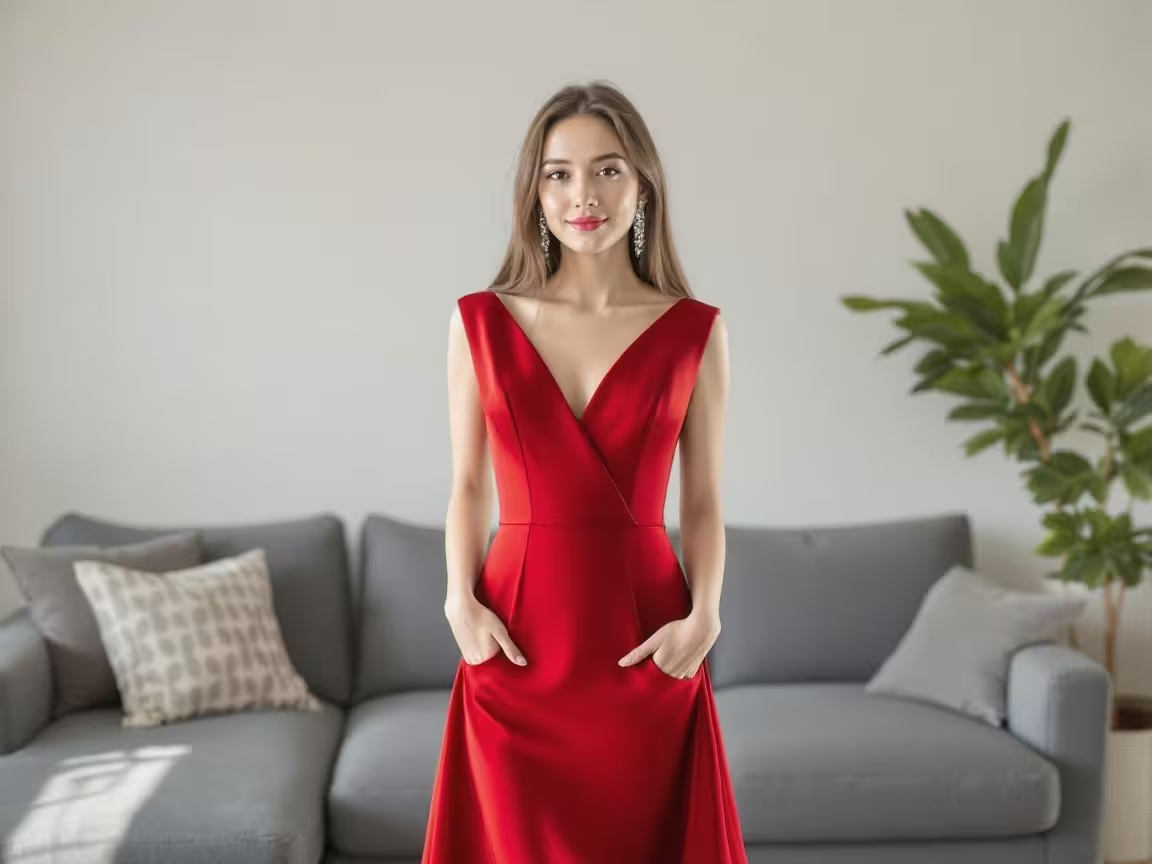
Image to ImageSeededit allows precise edits to images using masks and prompt guidance. Whether you're replacing backgrounds, changing clothing, or inpainting missing areas, Seededit ensures realistic, high-quality results with semantic control.
kling-o1-video-edit-fast
Video to VideoVideo Edit Fast is the lightweight, high-speed editing mode of Kling O1. It performs quick edits on an existing video without heavy processing—ideal for fast object replacements, light enhancements, color tweaks, or simple visual adjustments. This mode focuses on speed over complex reconstruction, making it suitable for rapid iterations, previews, and small edits while preserving the original video’s motion and structure.
kling-v2.1-master-i2v
Image to VideoKling 2.1 Master’s I2V animates a still image into a coherent video sequence. It interprets motion, environment, and context to create realistic, visually stunning video outputs — ideal for animating portraits, scenes, or concept art.
wan2.2-text-to-video
Text to VideoWan 2.2’s T2V mode transforms descriptive text prompts into high-quality, stylized video sequences. It excels at generating anime-style or cinematic visuals with smooth motion and strong thematic consistency.
minimax-voice-clone
Text to AudioMinimax Voice Clone creates a high-fidelity digital clone of a speaker’s voice from a short reference audio sample. It reproduces the speaker’s tone, emotion, accent, rhythm, and speaking style, then generates new speech from any text input.
seedance-v1.5-pro-video-extend-fast
Video to VideoSeedance v1.5 Pro Video Extend Fast quickly extends an existing video by generating a short continuation that matches the original style, motion, and lighting. This mode prioritizes fast output and smooth continuity with minimal new motion, making it ideal for previews, quick edits, and lightweight shot extensions without complex effects.
kling-v2.6-pro-motion-control
Video to VideoKling v2.6 Pro Motion Control allows precise control over camera movement, subject motion, and scene dynamics during video generation. Instead of leaving motion fully implicit, this mode lets you explicitly define how the camera moves (pan, tilt, orbit, dolly, zoom) and how objects or characters behave over time.
nano-banana-2
Text to ImageNano Banana 2 (Gemini 3.1 Flash Image) is Google's most advanced image generation model, combining speed with high-fidelity 4K output and revolutionary character consistency.
pixverse-v4.5-t2v
Text to VideoPixVerse v4.5 transforms descriptive text into vivid, high-resolution video clips. It understands complex scenes, human motion, and cinematic camera angles — great for creative storytelling, trailers, and animated concepts.
kling-o1-video-edit
Video to VideoKling O1 Video Edit lets you send an existing video clip plus an instruction/prompt to edit or transform the clip while preserving temporal coherence and subject identity. Typical edits include color grading, background replacement, object removal, slow-motion slo-mo, speed ramps, style transfer, subtle camera stabilization, and short extension/outro generation. Inputs can include: the source video, an optional frame mask (for localized edits), time range, and style/reference images.
z-image-p
Text to ImageZ-Image P is based on PiAPI's Qubico/z-image text-to-image model.
hidream-i1-full
Text to ImageThe most advanced version of HiDream I1, delivering high-resolution, detailed images with superior prompt understanding. Best suited for production, content creation, and high-fidelity applications.
vidu-v2.0-i2v
Image to VideoVidu's 2.0 model delivers advanced image-based video generation with enhanced lighting, emotion dynamics, and automatic frame interpolation for polished visual content.
vidu-v2.0-t2v
Text to VideoVidu's 2.0 model offers enhanced visual quality and comprehensive workflow support across multiple resolution options for versatile content creation.
kling-o1-standard-video-edit
Video to VideoKling O1 Standard Video-to-Video Edit modifies an existing video while preserving its original structure, motion, and realism. It is designed for subtle, stable edits such as object replacement, background changes, lighting adjustments, or small visual tweaks. This mode prioritizes temporal consistency and natural motion, making it.
kling-v3.0-standard-text-to-video
Text to VideoKling 3.0 Standard Text-to-Video generates smooth, realistic videos from text with stable motion and natural behavior. It works best with clear subjects, simple actions, and one continuous scene, making it ideal for cute animals, small actions, and calm cinematic moments.
runway-aleph-v2v
Video to VideoTransform any input video into a new visual style or scene while preserving motion and structure. Aleph V2V lets you apply artistic looks, cinematic lighting, or thematic changes to existing footage.
midjourney-v7-omni-reference
Image to ImageMidjourney's Omni Reference lets you reuse characters, creatures, or styles from an existing image and place them into entirely new scenes. Simply provide a reference image (oref) and Midjourney will maintain identity, details, and visual consistency — ideal for storytelling, character design, or branding across multiple generations.
minimax-image-01-subject-reference
Image to ImageMinimax’s I2I “Subject Reference” model enables you to transform images while preserving the appearance of a subject using a single reference image. Ideal for maintaining character likeness—features, clothing, or expression—across different styles or settings.
ai-ghibli-style
Image to ImageBring your imagination to life with art inspired by the enchanting world of Studio Ghibli. This AI model generates dreamy, hand-drawn visuals with soft colors, whimsical characters, and painterly backgrounds
vidu-q2-reference
Image to VideoVidu Q2 Reference Video generates breathtaking cinematic clips from text prompts guided by multiple reference images. Each image refines the model’s understanding of subject, environment, and visual tone — ensuring perfect consistency in appearance and motion across every frame.
gpt4o-image-to-image
Image to ImageTransform an input image based on a new prompt — like changing style, lighting, or composition. Useful for reinterpreting visuals while keeping structure.
flux-pulid
Image to ImageFlux PuLID is an innovative image-to-image model that enables consistent face rendering across different styles or scenes—without needing any model fine-tuning. By providing a reference image (e.g., a portrait), the model generates new visuals while maintaining your subject’s identity with high fidelity.
sync-lipsync
Audio to VideoGenerate realistic lipsync animations from audio using advanced algorithms for high-quality synchronization.
latent-sync
Audio to VideoLatentSync is a video-to-video model that generates lip sync animations from audio using advanced algorithms for high-quality synchronization.
veed-lipsync
Audio to VideoGenerate realistic lipsync from any audio using VEED's latest model
seedance-v2.0-t2v
Text to VideoSeedance 2.0 is the latest multimodal video generation model by ByteDance, offering advanced camera control, native audio-video sync, and high-resolution output.
luma-modify-video
Video to VideoLuma Modify Video lets you transform an existing video into a new creative scene while keeping the original motion and timing intact. The result is a new video with the same movements but a completely fresh look, atmosphere, or theme.
luma-flash-reframe
Video to VideoTransform and resize your videos effortlessly with Ray 2 Flash Reframe. This tool intelligently expands or adjusts your video’s aspect ratio—adding visually consistent content to the sides, top, or bottom—without altering the original subject.
vidu-q1-reference
Image to VideoVidu Q1 enables you to generate cinematic 1080p videos using multiple visual references—up to seven images—and text prompts. Designed for consistency, it preserves character appearance, props, and backgrounds across scenes while adding new motion and narrative elements.
wan2.2-5b-fast-t2v
Text to VideoWan 2.2 Fast is a lightweight, high-speed version of the Wan 2.2 model, optimized for quick text-to-video generation. It trades some cinematic detail for rapid results, making it perfect for prototyping, previews, social media clips, and quick storytelling.
wan2.1-lora-t2v
TrainingWAN 2.1 LoRA T2V enables users to generate videos from text prompts with custom-trained LoRA modules. Tailor the generation to specific characters, outfits, or animation styles — ideal for brand storytelling, fan content, and stylized animations.
runway-act-two-v2v
Video to VideoTake an existing character video and sync it with the motion from a reference video. This lets you update facial expressions, head turns, and speech gestures while keeping the original look and style. It’s perfect for reshooting performances, dubbing, or animating characters without re-rendering visuals.
minimax-hailuo-02-standard-i2v
Image to VideoTransforms an image into video with light, natural motion. Great for social media, quick animations, and previews.
minimax-hailuo-02-pro-i2v
Image to VideoAdvanced image-to-video with cinematic realism. Adds dynamic camera motion, realistic physics, and atmospheric detail for storytelling.
minimax-hailuo-02-pro-t2v
Text to VideoHigh-fidelity text-to-video with cinematic rendering. Best for storytelling, cinematic clips, or realistic visuals with depth, atmosphere, and detail.
ltx-2-pro-text-to-video
Text to VideoLTX-2 Pro is the high-fidelity video-generation engine by Lightricks designed for professional workflows, supporting both text-to-video and image-to-video inputs. It enables realistic motion, synchronized audio-video, cinematic camera moves and stylized visuals. Ideal for your timeline-based video interface: you supply a prompt or image, define duration/aspect ratio, then it generates a clip that you can ingest, rename, batch-move, split or timeline-edit.
ai-dance-effects
Video to VideoBring your characters and worlds to life with AI Dance Effects — a creative video effect that adds playful, dynamic, and cinematic motion to your generations. AI Dance Effects lets you guide how characters move, react, and express themselves.
wan2.2-image-to-video
Image to VideoWan 2.2’s I2V mode brings static visuals to life with vivid, expressive animations. It interprets motion, emotion, and background dynamics from a single image to generate smooth and cinematic short videos.
video-effects
Image to VideoAI Video Effects applies advanced visual transformations, color grading, and cinematic filters to create stunning videos from images.
image-effects
Image to ImageAI Image Effects applies advanced visual transformations, color grading, and cinematic filters to create stunning images from a image.
minimax-hailuo-02-standard-t2v
Text to VideoFast and lightweight text-to-video generation. Ideal for quick drafts, previews, or playful content where speed matters more than cinematic quality.
seedance-pro-i2v
Image to VideoSeedance Pro I2V advanced model animates still images into stunning short videos, preserving intricate visual details and applying smooth motion dynamics, ideal for high-end visuals and cinematic edits.
creatify-lipsync
Audio to VideoRealistic lipsync video - optimized for speed, quality, and consistency.
seedance-pro-t2v
Text to VideoSeedance Pro delivers high-fidelity video generation from text, producing rich visuals, smooth camera movement, and realistic scenes. Best for storytelling, content creation, and visual production.
qwen-image-edit
Image to ImageThe Qwen Edit Image Model allows you to modify existing images using text-based editing prompts. Instead of generating from scratch, you can upload a base image and describe the desired changes (e.g., replacing objects, altering colors, adding new elements).
seedance-lite-i2v
Image to VideoSeedance Lite I2V version animates static images into short videos quickly, focusing on basic motion effects and efficient processing—best suited for fast demos or mobile-friendly use.
ideogram-v3-t2i
Text to ImageIdeogram v3 is an advanced text-to-image model designed for creating highly detailed and visually striking images directly from text prompts. It’s especially good for artistic compositions, design mockups, concept art, and photorealistic scenes. With strong support for text rendering inside images, it’s widely used for posters, typography-based art, and creative branding.
nano-banana-edit
Image to ImageNano Banana is a mysterious, high-performance image model. It excels at precise, language-driven edits and consistent character preservation, allowing users to modify images with natural text commands.
pixverse-v5-i2v
Image to VideoPixVerse V5 delivers a major leap forward in AI-powered video creation — now featuring smoother motion, ultra-high resolution, and expanded visual effects.
wan2.2-speech-to-video
Audio to VideoWAN2.2 Speech-to-Video transforms a static image into a talking video by synchronizing lip movements and facial expressions with an audio input. Simply provide a character image along with a speech dialogue, and the model generates a natural, expressive video where the subject speaks your lines.
google-imagen4
Text to ImageGoogle Imagen 4 is the latest text-to-image AI model from DeepMind, designed to produce stunningly photorealistic images with crisp detail, accurate text rendering, and creative flexibility. It supports high-resolution output (up to 2K), generates visuals in seconds, and embeds SynthID watermarks for authenticity.
google-imagen4-fast
Text to ImageImagen 4 Fast is optimized for speed and accessibility, allowing you to generate high-quality images in seconds. While slightly less detailed than the Ultra version, it excels at rapid ideation, drafts, storyboarding, and casual creativity.
google-imagen4-ultra
Text to ImageImagen 4 Ultra is Google’s flagship model, designed for photorealism, rich textures, and production-level imagery. It produces crisp, high-resolution visuals with advanced detail, lighting precision, and natural compositions.
seedance-lite-reference-video
Image to VideoSeedance Lite's Reference-to-Video feature allows you to supply up to 4 images as reference inputs. The model intelligently blends aspects from these images to generate a cohesive, high-quality video.
wan2.1-reference-video
Image to VideoWAN 2.1 is an advanced AI model that transforms one or more reference images into a coherent, animated video. By combining characters, objects, or environments from multiple images, it creates smooth motion sequences while preserving realism, style, and fine details.
flux-kontext-effects
Image to ImageFlux Kontext Effects is a creative image and video model that applies stylized transformations, cinematic filters, and artistic reinterpretations to your inputs. Instead of generating new content from scratch, it enhances or reimagines existing images and videos with unique looks — ranging from surreal effects to realistic cinematic moods.
ideogram-v3-reframe
Image to ImageIdeogram V3 Reframe is a specialized image-to-image model built on Ideogram 3.0, designed to intelligently extend and adapt images across diverse aspect ratios and resolutions. Leveraging advanced AI outpainting, it preserves visual consistency while enabling creative reframing for digital, print, and video content.
sdxl-image
Text to ImageSDXL is a high-quality, large Stable Diffusion model for creating photorealistic and stylized images from text. It excels at fine detail, realistic lighting, and complex scenes.
flux-dev-lora
TrainingEnables text-to-image generation using custom LoRA models. Generate consistent characters, styles, or branded visuals with high quality and fast results.
flux-redux
Image to ImageFlux Redux is a transformation model that reimagines or enhances your input images while preserving their main structure and subject. It’s built for creative refinement — whether you want style transfer, artistic reinterpretation, cinematic polish, or mood transformation.
ai-video-upscaler
Video to VideoThe AI Video Upscaler is a powerful tool designed to enhance the resolution and quality of videos. Whether you're working with low-resolution videos that need a boost or aiming to improve the clarity of existing footage, this upscaler leverages advanced machine learning models to deliver high-quality, upscaled videos.
flux-kontext-dev-i2i
Image to ImageTakes an input images and transforms it based on a new prompt. Keeps structure or pose while changing style, appearance, or details.
ai-image-extension
Image to ImageExpand the edges of any image with AI. This model continues your original photo or artwork beyond its borders while matching style, lighting, and content.
suno-remix-music
Text to AudioThis API covers an audio track by transforming it into a new style while retaining its core melody. It incorporates Suno's upload capability, enabling users to upload an audio file for processing. The expected result is a refreshed audio track with a new style, keeping the original melody intact.
flux-kontext-max-i2i
Image to ImageFlux Kontext Max I2I in Max mode allows precise image enhancement and visual transformations while retaining the source layout. It’s powerful for retouching, photo-to-art workflows, concept refinement.
midjourney-v7-image-to-image
Image to ImageUse Midjourney V7’s I2I to refine or reinterpret existing images. Modify style, mood, lighting, or content while preserving the overall composition — great for alternate versions, art variations, or polishing concepts.
flux-krea-dev
Text to ImageFlux Krea Dev is a text-to-image model built by Black Forest Labs in collaboration with Krea AI, designed to generate highly photorealistic images that avoid the common 'AI look' artifacts (plastic skin, overexposed lighting, synthetic textures). It emphasizes real texture, natural lighting, and aesthetic control.
hunyuan-image-to-video
Image to VideoHunyuan I2V takes a static image and generates realistic video animations by interpreting motion and context. It works well for human portraits, objects, or scenes, adding lifelike movement while maintaining the image's integrity.
kling-v2.1-master-t2v
Text to VideoKling 2.1 Master’s T2V mode allows users to generate vivid, high-quality videos from detailed text prompts. It supports dynamic scenes, natural motion, and cinematic quality — perfect for storytelling, ads, or content creation from imagination alone.
neta-lumina
Text to ImageNeta Lumina is a powerful anime-style text-to-image model developed by Neta.art Lab. It’s built on Lumina-Image-2.0, fine-tuned with over 13 million high-quality anime images. It offers strong understanding of multilingual prompts, excellent detail fidelity, support for Danbooru tags, and leaning into niche styles like furry, Guofeng, pets, scenic backgrounds, etc.
midjourney-v7-style-reference
Image to ImageGenerate images in the distinctive aesthetic of Midjourney v7 — blending cinematic depth, photorealism or painterly rendering, rich textures, and dynamic lighting. This style reference model helps you infuse any subject with the visual storytelling, composition, and high detail fidelity that Midjourney is known for. Ideal for concept art, stylized portraits, and stunning environment scenes.
ltx-2-fast-image-to-video
Image to VideoLTX-2 Fast is a speed-optimized mode of the LTX-2 engine by Lightricks, focused on generating short video clips from a still image + prompt (I2V) with good fidelity and rapid turnaround. It supports audio/video together, multiple aspect ratios, and is ideal when you need quick output for iteration or storyboarding.
ideogram-character
Image to ImageIdeogram’s Character Reference model enables consistent character generation using just one reference image. Upload a clear character portrait—and you can place that character in unlimited scenes, styles, poses, or narratives with visual fidelity maintained across all outputs.
wan2.2-edit-video
Video to VideoEasily modify existing videos using simple text commands. With Wan 2.2 Video-Edit, you can change attire, character appearance, or other visual elements directly within your video—no need to start from scratch. Works on uploads of 480p or 720p, for up to two minutes.
kling-v1-avatar-standard
Audio to VideoKling AI Avatar Standard creates talking avatar videos from a single image + audio input. It supports realistic humans, animals, or stylized characters, producing lip-synced avatar videos easily.
sdxl-lora
TrainingThe SDXL LoRA image model enhances Stable Diffusion XL with specialized fine-tuning, letting you generate images in unique styles, characters, or themes. By applying LoRA weights, you can create visuals that match a specific aesthetic, celebrity look, anime style, or custom-trained subject.
kling-v1-avatar-pro
Audio to VideoKling AI Avatar Pro is the premium tier for making high-quality talking avatars. You upload a character image plus an audio file, and the model generates a realistic avatar video with lip-sync.
wan2.2-animate
Video to VideoWan2.2 Animate is a video-to-video model for animating a character or replacing a character in existing video clips. It replicates holistic movement and facial expressions from a reference video or pose while preserving the target character’s appearance. You upload both an image (for the character) and a video containing motion/expression, and the model generates a video where the character in your image moves like the reference. Supports 480p or 720p, up to 120 seconds
qwen-image-edit-plus
Image to ImageQwen Image Edit Plus is an upgraded image-editing model that supports multiple image references and superior text editing. Powered by the 20B-parameter Qwen architecture, it allows changes like background swap, style transfer, object removal/addition, and precise text edits (bilingual: English/Chinese) while maintaining visual consistency and preserving details of the original images.
bytedance-seedream-v4
Text to ImageSeedream v4 generates stunning, high-fidelity images from text prompts. It’s designed for creativity with strong support for realism, fantasy, and artistic styles.
hunyuan-image-2.1
Text to ImageHunyuan Image is a powerful text-to-image generation model that produces photorealistic and highly detailed visuals. It excels at creating portraits, environments, and concept art with strong consistency and realism. Designed for versatility, it supports both natural photography styles and imaginative artistic outputs.
kling-v2.5-turbo-pro-i2v
Image to VideoKling 2.5 Turbo Pro: Top-tier image-to-video generation with unparalleled motion fluidity, cinematic visuals, and exceptional prompt precision.
kling-v2.5-turbo-pro-t2v
Text to VideoKling 2.5 Turbo Pro: Top-tier text-to-video generation with unparalleled motion fluidity, cinematic visuals, and exceptional prompt precision.
wan2.5-image-to-video
Image to VideoWAN 2.5 Image-to-Video takes your image as the starting frame and turns it into a dynamic video, preserving realism, motion, and camera effects. Upload a static image, add a descriptive text prompt, and the model generates cinematic motion—camera pans, environmental movement, and realistic physics—across the result.
wan2.5-text-to-video
Text to VideoWAN 2.5 Text-to-Video transforms written prompts into cinematic video clips with dynamic motion, realistic physics, and natural animation. It can also generate characters delivering dialogue, making it ideal for storytelling, ads, and creative showcases.
wan2.5-text-to-image
Text to ImageWAN 2.5 Text-to-Image generates high-quality, realistic or stylized images from textual descriptions. It supports detailed visual storytelling, cinematic compositions, and versatile styles — from portraits and product shots to landscapes and fantasy scenes.
topaz-video-upscale
Video to VideoThe AI Video Upscaler is a powerful tool designed to enhance the resolution and quality of videos. Whether you're working with low-resolution videos that need a boost or aiming to improve the clarity of existing footage, this upscaler leverages advanced machine learning models to deliver high-quality, upscaled videos.
wan2.5-image-edit
Image to ImageThe Wan2.5 Edit Image model allows you to transform existing images with precision and creativity. By providing an image along with an edit prompt, you can make realistic changes, enhancements, or stylistic adjustments—whether it’s altering objects, changing backgrounds, adding details, or applying an entirely new artistic style.
ai-video-upscaler-pro
Video to VideoThe AI Video Upscaler is a powerful tool designed to enhance the resolution and quality of videos. Whether you're working with low-resolution videos that need a boost or aiming to improve the clarity of existing footage, this upscaler leverages advanced machine learning models to deliver high-quality, upscaled videos.
add-video-watermark
Video to VideoAdd custom watermark to videos with adjustable position, opacity, and size. Free local processing using FFmpeg.
video-watermark-remover
Video to VideoThe AI Video Watermark Remover is our flagship model designed to remove Sora 2 watermarks, logos, captions, and unwanted text from videos without compromising quality. Supporting a wide range of formats, it's fast, efficient, and processes with the highest quality.
gpt-5-nano
Text to TextGPT-5 Nano is a lightweight, high-speed language model from the GPT-5 family designed for instant text generation. It delivers intelligent, context-aware responses for creative writing, summarization, dialogue, code generation, and automation — all at low latency and cost. Perfect for chatbots, assistants, content tools, and real-time applications that need fast, reliable text output.
minimax-hailuo-2.3-standard-t2v
Text to VideoHailuo 2.3 Standard T2V transforms pure imagination into moving cinematic visuals. Simply describe a scene, and this model generates a coherent, high-quality video that captures the prompt’s tone, environment, and emotion. In 768p video generation.
higgsfield-soul-image-to-image
Image to ImageSOUL is an AI image model focused on hyper-realistic, magazine or editorial-style visuals, especially for fashion, portraits, lifestyle, and commercial content. It offers over 50 curated style presets to get a specific aesthetic without needing complicated prompt engineering. It generates photography-quality images with lighting, textures, and context that feel real — including natural imperfections like film grain, dust, or lens effects for authenticity.
higgsfield-dop-image-to-video
Image to VideoHiggsfield’s DOP (Director of Photography) Motion Effects empower creators to combine cinematic camera moves with built-in visual effects—like explosions, fire, distortion, disintegration, and transitions—directly in AI video generation. You choose from a library of motion presets (e.g. Earth Zoom, Bullet Time, Dolly Zoom) and overlay dynamic effects that accentuate storytelling without needing a full VFX pipeline.
remix-video
Video to VideoTransform and resize your videos effortlessly with remix video tool.
gpt-5-mini
Text to TextGPT‑5 Mini is a compact yet powerful AI that converts plain text ideas into detailed, structured prompts suitable for use in text-to-image, text-to-video, and other generative AI models. It’s perfect for creators who want to quickly craft high-quality prompts without manually thinking about style, composition, and descriptive details. The model helps accelerate workflows for artists, video producers, and designers.
ltx-2-fast-text-to-video
Text to VideoLTX Video Fast is a speed-optimised mode of Lightricks’ video-generation engine, supporting text-to-video workflows. It allows you to input a descriptive prompt and get a short video clip with motion, camera movement, lighting, and stylised visuals. The underlying model (LTX-Video) is built for real-time or near-real-time generation of video clips.
vidu-q2-pro-start-end-video
Image to VideoVidu Q2 Pro Start–End Video is a professional-grade model built for cinematic transformation storytelling. It evolves a scene, subject, or concept from one moment to another through smooth visual interpolation, natural lighting transitions, and dynamic motion.
minimax-hailuo-2.3-standard-i2v
Image to VideoHailuo 2.3 Standard I2V converts still images into visually immersive motion clips with stable dynamics and realistic movement. It provides a balanced mix of quality, speed, and coherence. In 768p video generation.
grok-imagine-image-to-video
Image to VideoGrok Imagine is xAI’s multimodal image-to-video model, capable of animating still images into short (≈6 second) cinematic videos with synchronized ambient audio. It focuses on realism, fluid motion, and expressive lighting transitions while maintaining high generation speed.
grok-imagine-text-to-video
Text to VideoGrok Imagine is xAI’s fast, creative text-to-video model that generates short (~6-second) cinematic clips with smooth motion, expressive lighting, and ambient audio. It turns a written idea into a visually rich video.
grok-imagine-text-to-image
Text to ImageGrok Imagine is xAI’s high-quality image generation model that transforms text prompts into detailed, stylish, and visually expressive images. It excels at creating vivid scenes, characters, environments, and concept art with strong lighting, depth, and artistic clarity. Get 6 images each time.
seedvr2-image-upscale
Image to ImageSeedVR2 is a one-step diffusion-transformer model designed for image restoration, super-resolution, deblurring, and artifact removal. It enhances low-quality or compressed images into clean, sharp, high-resolution results while preserving natural colors and fine details.
nano-banana-pro
Text to ImageNano Banana 2 is the next-generation image generation developed by Google DeepMind, following the original Nano Banana (also known as Gemini 2.5 Flash Image). It offers advanced text-to-image capabilitie with improved resolution.
qwen-image-edit-plus-lora
Image to ImageQwen-Image-Edit-Plus (2509) is 20B MMDiT image-to-image editor supporting multi-image edits, single-image consistency, and native ControlNet. Ready-to-use REST inference API, best performance, no coldstarts, affordable pricing.
kling-o1-image-to-video
Image to VideoKling O1’s Image-to-Video mode transforms one or more reference images into short cinematic video clips by adding natural motion, camera choreography, and scene dynamics while preserving subject identity and visual consistency. It supports start/end frames.
kling-o1-reference-to-video
Image to VideoKling O1’s Reference-to-Video mode generates a dynamic video using one or multiple reference images as the visual foundation. It preserves identity, style, composition, and key visual details from the references while adding realistic camera motion, environment dynamics, and scene animation.
kling-o1-text-to-image
Text to ImageKling O1 Text-to-Image is a high-fidelity creative image model that converts rich natural-language prompts into ultra-detailed stills. It excels at cinematic composition, realistic lighting, and coherent scene detail—great for concept art, environment renders, character portraits, and stylized imagery with photoreal or illustrative looks.
flux-2-flex-edit
Image to ImageFlux-2-Flex Edit allows flexible transformation of an existing image: object replacement, material changes, lighting adjustments, style shifts, or localized edits. It preserves the original scene’s geometry, perspective, and lighting while modifying only what the edit prompt specifies.
flux-2-pro
Text to ImageFlux-2-Pro Text-to-Image is a premium, high-fidelity generative model capable of producing ultra-realistic, cinematic, and deeply detailed images from text prompts. It excels at complex lighting, layered compositions, surreal visual concepts, and professional art-grade rendering suitable for concept art, advertising visuals, and world-building.
flux-2-dev-edit
Image to ImageFlux 2 Dev Edit takes an existing image and applies transformations, replacements, or style changes based on a text instruction. It preserves composition, lighting, and the overall scene while modifying only what the edit prompt specifies. Ideal for creative replacements, stylistic adjustments, object swaps, and environment changes while keeping the original artistic integrity.
flux-2-flex
Text to ImageFlux-2-Flex Text-to-Image is a flexible, high-fidelity generative model capable of producing detailed, imaginative, and stylistically rich scenes from text alone. It excels at surreal concepts, fantasy environments, sci-fi structures, cinematic atmospheres, and high-resolution artistic compositions with strong prompt adherence.
bytedance-seedream-v4.5
Text to ImageSeedream-v4.5 is ByteDance’s advanced text-to-image diffusion model designed for generating high-detail, high-contrast, cinematic and stylized images. It excels at surreal fantasy concepts, sci-fi worlds, product visuals, photoreal scenes, and artistic compositions with strong prompt adherence and crisp detail.
kling-v2.6-pro-i2v
Image to VideoKling-v2.6-Pro Image-to-Video transforms a single creative image into a short cinematic video. It preserves the original style, lighting, and composition while adding smooth camera motion, atmospheric effects, and dynamic environmental animation.
kling-v2.6-pro-t2v
Text to VideoKling-v2.6-Pro Text-to-Video generates high-fidelity cinematic videos directly from text prompts. It excels at complex compositions, dramatic lighting, fluid camera motion, and visually rich fantasy or sci-fi sequences.
bytedance-seedream-v4.5-edit
Image to ImageSeedream-v4.5 Edit allows you to transform an existing image using natural-language instructions. It preserves the core composition, lighting, and style of the original while modifying only the requested elements — perfect for object replacement, environment changes, stylistic adjustments, and high-detail creative reworks.
pixverse-v5.5-t2v
Text to VideoPixVerse v5.5 T2V generates cinematic short videos directly from text. It excels at stylized fantasy, anime, surreal worlds, atmospheric environments, and fluid camera motion. The model produces vivid lighting, dynamic effects, depth-rich parallax, and smooth motion.
wan2.2-spicy-image-to-video
Image to VideoWan2.2-spicy Image-to-Video transforms a single creative image into a short dynamic video with bold motion, stylized effects, high-contrast lighting, and energy-driven animations. The “spicy” variant produces more dramatic movement, more vivid colors, and more expressive visual effects.
wan2.2-spicy-video-extend
Video to VideoWan-2.2-spicy Video Extend continues an existing video by generating new frames that match the original style but add stronger motion, bolder effects, and spicier dramatics.
gpt-image-1.5
Text to ImageGPT-Image-1.5 is a high-quality text-to-image generation model designed for rich visual reasoning, detailed compositions, and strong prompt understanding. It excels at complex scenes, symbolic imagery, cinematic lighting, surreal concepts, product visuals, and imaginative world-building while maintaining coherence and fine detail.
wan2.6-text-to-video
Text to VideoWAN 2.6 Text-to-Video generates smooth, cinematic videos directly from text prompts. It’s designed for strong scene coherence, atmospheric depth, and fluid camera motion, making it ideal for fantasy and sci-fi worlds, surreal concepts, environmental storytelling, and dramatic visual sequences with rich lighting and motion.
minimax-speech-2.6-hd
Text to AudioSpeech-2.6-hd is Minimax’s high-definition text-to-speech model that turns written text into natural, human-like audio. It produces studio-quality speech with clear pronunciation, smooth pacing, realistic emotion, and no background noise.
minimax-speech-2.6-turbo
Text to AudioSpeech-2.6-turbo is Minimax’s fast, lightweight text-to-speech model designed for quick audio generation while maintaining good natural voice quality. It produces clear speech with smooth pacing and minimal delay.
wan2.6-image-to-video
Image to VideoWAN 2.6 Image-to-Video converts a single still image into a smooth, cinematic video clip. It preserves the original image’s composition, lighting, and style while adding natural motion, depth parallax, atmospheric effects, and gentle camera movement.
openrouter-vision
Text to TextAny LLM is a versatile large language model for text generation, comprehension, and diverse NLP tasks such as chat and summarization. Ready-to-use REST inference API, best performance, no coldstarts, affordable pricing.
seedance-v1.5-pro-i2v-fast
Image to VideoSeedance v1.5 Pro Image-to-Video Fast converts a single still image into a short cinematic video with quick generation speed. It preserves the original image’s composition, subject identity, and lighting while adding simple camera motion, light parallax, and subtle environmental animation.
wan2.6-text-to-image
Text to ImageWAN 2.6 Text-to-Image generates detailed, cinematic still images from text prompts. It focuses on strong composition, atmospheric lighting, and clear subject structure, making it suitable for fantasy and sci-fi environments, surreal concepts, architectural visuals, and dramatic world-building imagery.
grok-imagine-image-to-image
Image to ImageGrok Imagine Image-to-Image transforms an existing image using natural language instructions while preserving scene structure, perspective, and lighting. It is ideal for object replacement, environment evolution, concept re-imagining, and creative edits that feel grounded and visually coherent rather than over-stylized.
ltx-2-19b-text-to-video
Text to VideoLTX-2-19B Text-to-Video generates coherent cinematic videos directly from text, with an emphasis on temporal stability, natural motion, and conceptual clarity. It works best when the scene has a strong visual idea where motion reinforces meaning rather than overwhelming it.
flux-2-klein-4b
Text to ImageFlux-2-Klein-4B is a lightweight, fast text-to-image model optimized for clear subject rendering, good prompt adherence, and efficient generation. It works best with simple compositions, everyday scenes, and cute or friendly visuals, making it ideal for UI graphics, demos, thumbnails, mascots, and quick creative iterations.
flux-2-klein-4b-edit
Image to ImageFlux-2-Klein-4B Edit applies lightweight, instruction-based edits to an existing image. It’s best for clear object swaps, small visual changes, and cute enhancements while preserving the original scene’s layout and lighting. Ideal for fast edits, UI demos, and simple creative tweaks.
z-image-base
Text to ImageZ-Image Base is a general-purpose text-to-image model designed for reliable, high-quality image generation from natural language prompts. It focuses on clear composition, good prompt adherence, and versatile output across everyday scenes, product-style visuals, characters, and creative concepts.
kling-v3.0-pro-image-to-video
Image to VideoKling 3.0 Pro Image-to-Video animates a single input image into a high-quality, realistic video with smooth camera motion, natural physics, and strong temporal consistency. It excels at real-world scenes, human motion, environmental details, and cinematic movement while preserving the original image’s structure and lighting.
kling-v3.0-pro-text-to-video
Text to VideoKling 3.0 Pro is a high-end video generation model capable of producing longer, smoother, and more realistic cinematic videos with strong motion consistency. It handles complex scenes, realistic physics, natural camera movement, and detailed environments better than earlier versions.
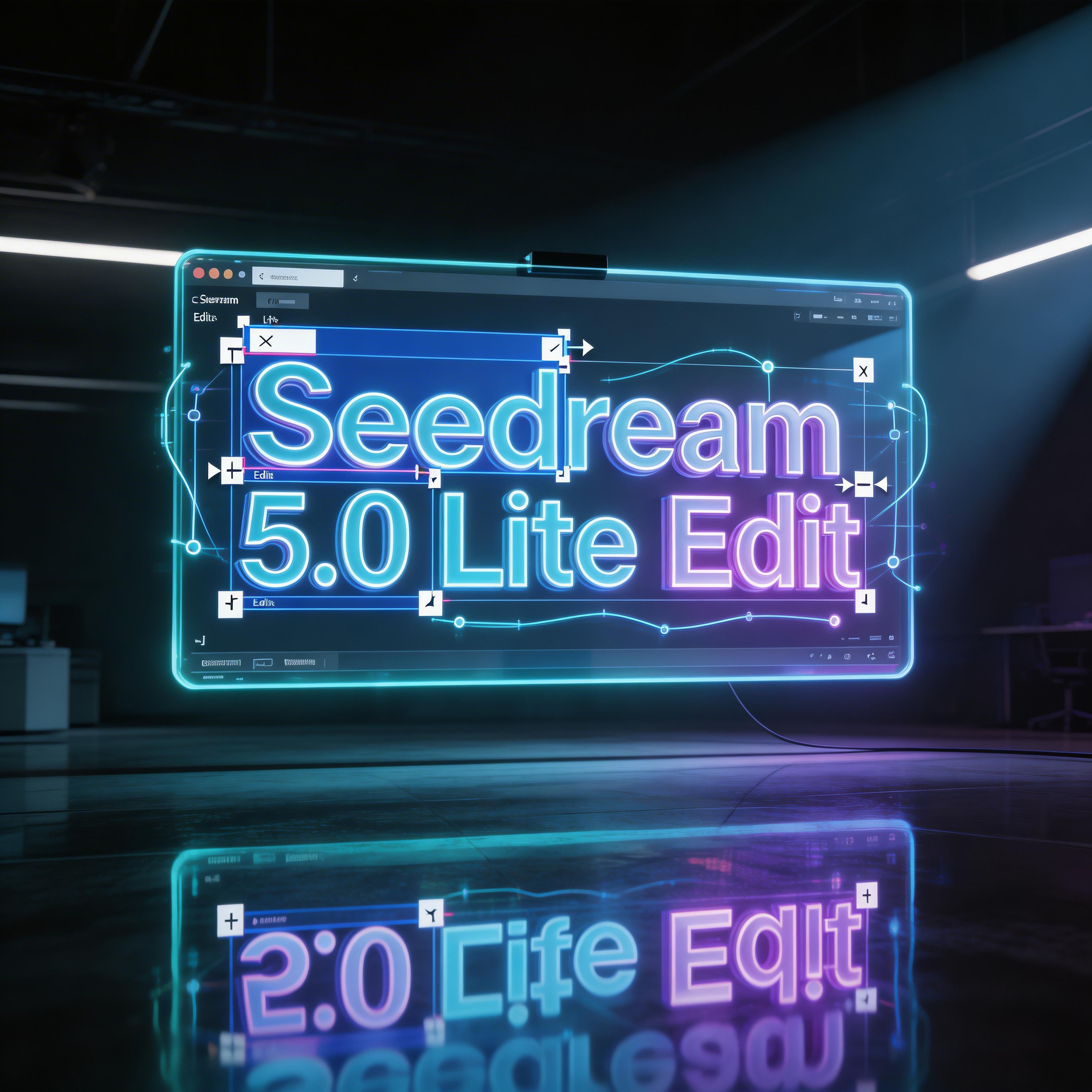
muapi/bytedance-seedream-v5.0-edit
Image to ImageSeedream 5.0 Lite Edit is an advanced image transformation model by ByteDance, enabling precise, controllable edits using natural language. It specializes in high-fidelity style transfer (Anime, Cyberpunk, Fantasy), background swaps, and object modification while preserving original lighting, color tones, and character consistency for professional-grade creative reworks.
🚀Related Models
View all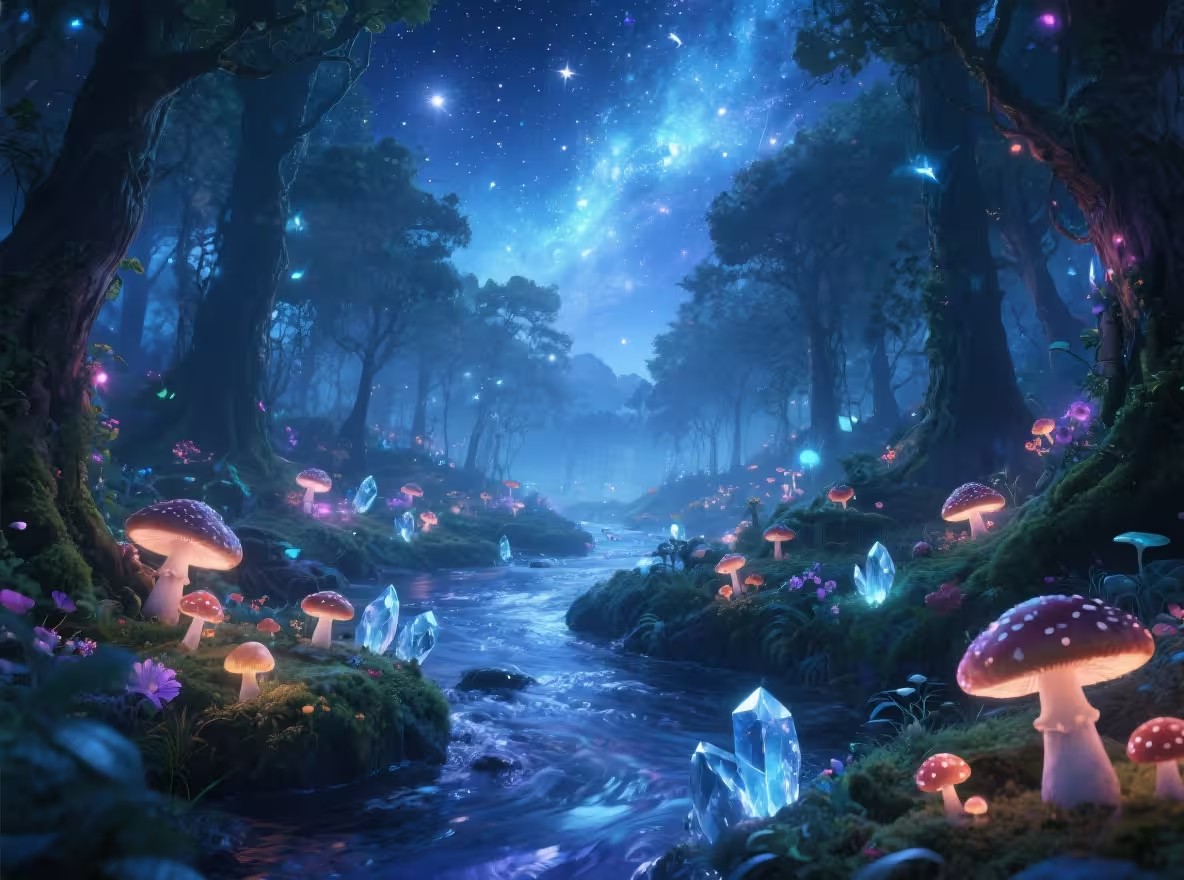
bytedance-seedream-v3
Seedream is designed for generating visually rich and artistic images from text prompts. It excels at fantasy, anime, surrealism, and vibrant color compositions — ideal for creative visuals, storyboards, and concept art.
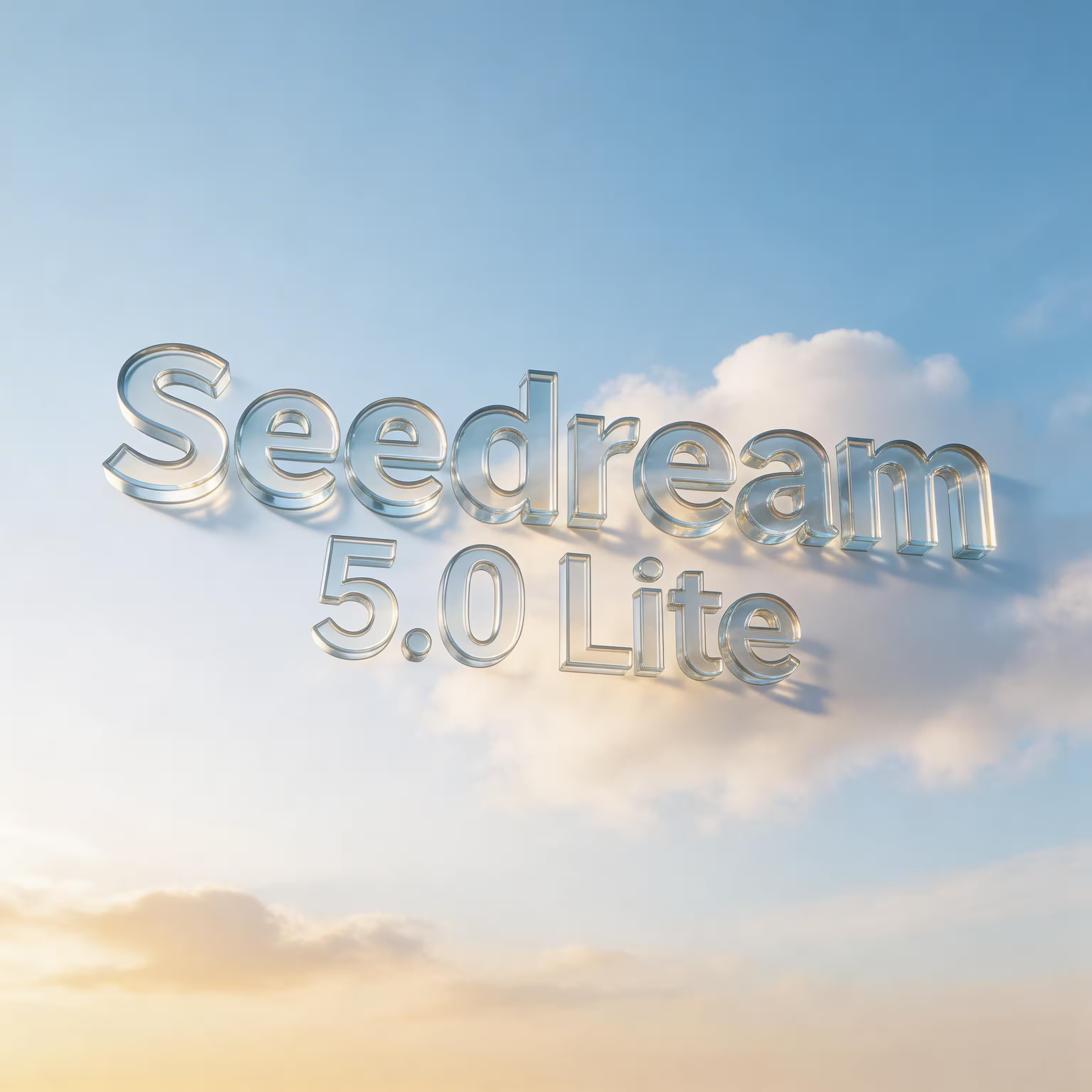
bytedance-seedream-v5.0
Seedream 5.0 Lite is ByteDance’s next-generation text-to-image model, delivering high-fidelity AI art with advanced visual reasoning and precise typography. Supporting up to 4K resolution and cinematic detail, it excels at complex scene construction, consistent character generation, and real-time knowledge integration for accurate, contextually relevant visuals.
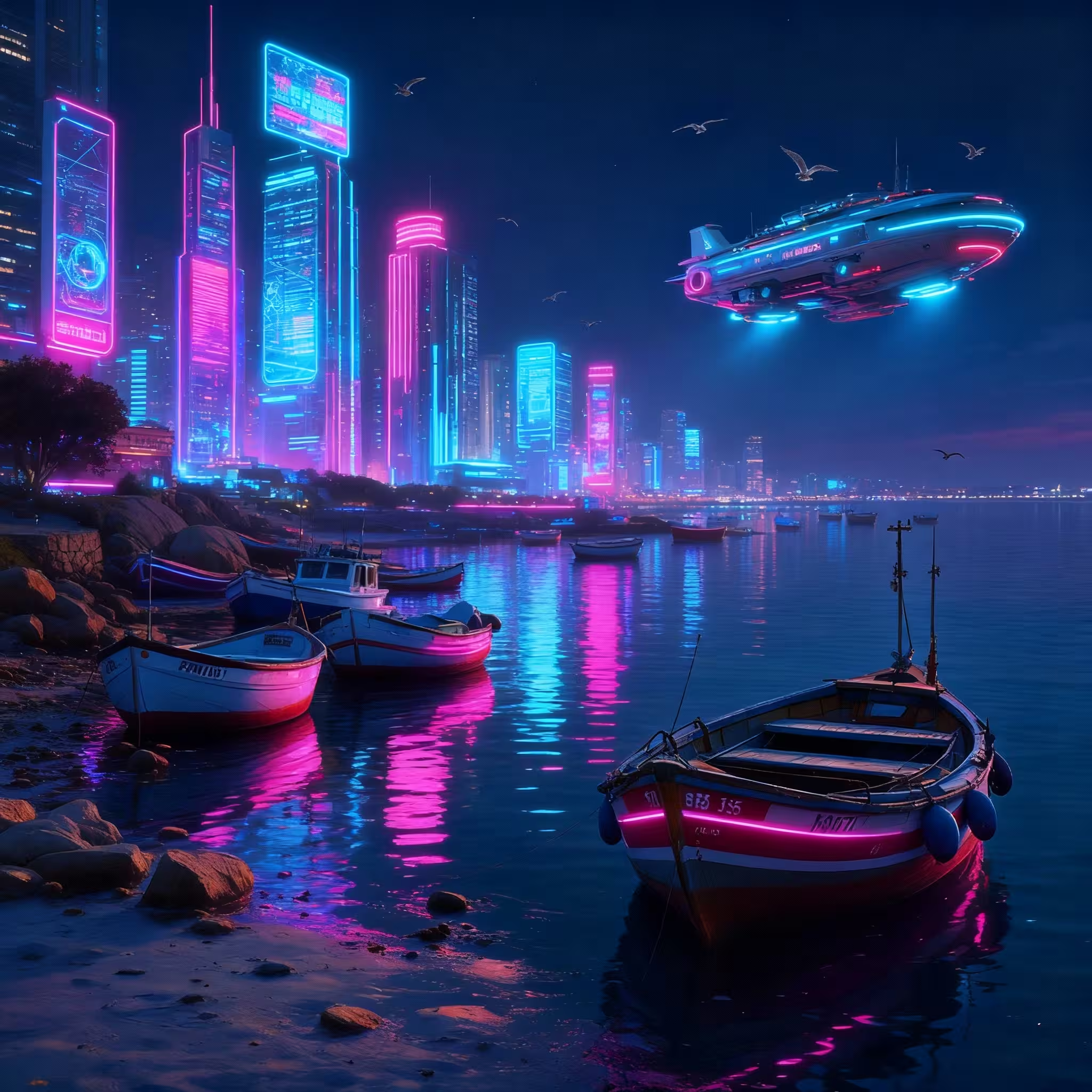
bytedance-seedream-v4-edit
Seedream v4 Edit refines or transforms existing images based on a new prompt and a reference. Instead of masking, you provide a source image and describe how it should be altered — adjusting style, details, or replacing elements while keeping the subject consistent.
bytedance-seededit-v3
Seededit allows precise edits to images using masks and prompt guidance. Whether you're replacing backgrounds, changing clothing, or inpainting missing areas, Seededit ensures realistic, high-quality results with semantic control.
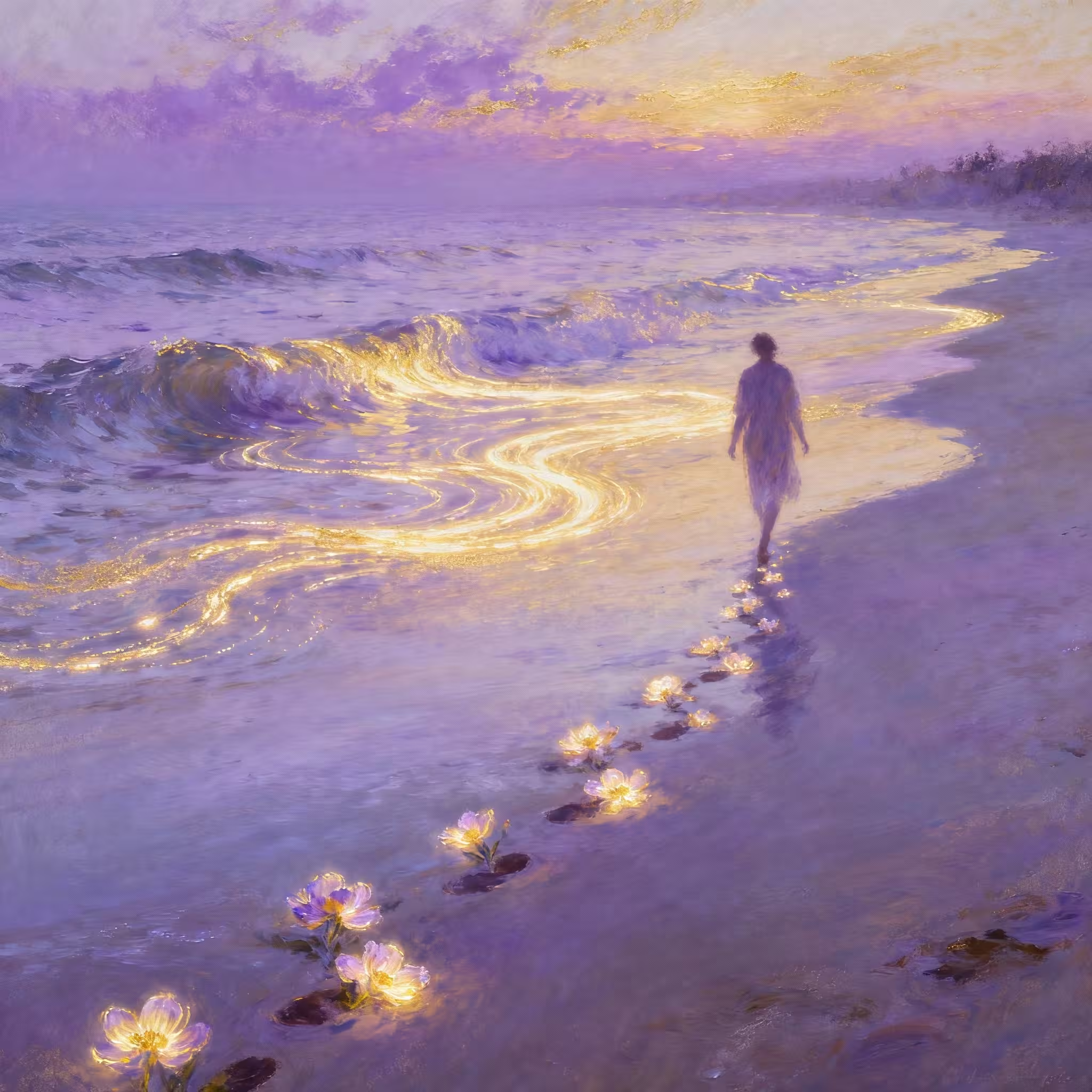
bytedance-seedream-v4
Seedream v4 generates stunning, high-fidelity images from text prompts. It’s designed for creativity with strong support for realism, fantasy, and artistic styles.
Overview
About this model
Seedream 5.0 Lite Edit — Intelligent Image Transformation
Seedream 5.0 Lite Edit is a powerful image-to-image model by ByteDance that allows for precise, controllable modifications using natural language. It specializes in intelligent style transfer, detail-preserving background swaps, and object modifications while maintaining the core identity of your original image.
Whether you're transforming a scene into a new aesthetic (Anime, Cyberpunk, Fantasy) or fine-tuning professional product shots, Seedream 5.0 Lite Edit ensures character consistency and lighting integrity across all reworks. Its ability to utilize multiple reference images for complex compositions makes it a versatile tool for professional designers and creative artists.
Pricing & Value
Cost analysis
| Provider | Cost | Notes |
|---|---|---|
| muapiapp | $0.0325 per generation | At $0.0325, muapiapp provides industry-leading image editing capabilities at a 30-50% discount compared to other professional platforms. |
| Competitors | $0.035 per generation | muapiapp offers a superior value proposition compared to competitors, providing premium editing features at a lower price point. |
At $0.0325, muapiapp provides industry-leading image editing capabilities at a 30-50% discount compared to other professional platforms.
muapiapp offers a superior value proposition compared to competitors, providing premium editing features at a lower price point.
* Competitor pricing is estimated based on similar model architectures and usage tiers.
Technical Details
Configuration schema
| Parameter | Type | Description | Default |
|---|---|---|---|
| Prompt | string | Text prompt describing the desired modification | Replace the plain transparent screen with a futuristic holographic display, making the screen emit a brighter cyan and purple glow. Transform the text “Seedream 5.0 Lite Edit” into large 3D glowing neon letters with depth, reflections, and soft bloom lighting.
Add animated editing UI elements such as floating anchor points, bezier curves, bounding boxes, and adjustment handles around the text, clearly visible and luminous.
Change the environment lighting to a darker, high-contrast tech room so the glowing text becomes the dominant focal point. Add subtle volumetric light beams and floor reflections directly beneath the text.
Keep the same camera angle and composition, but make the result look like a premium futuristic editing interface poster, with the text clearly highlighted and visually powerful. |
| Image URLs | array | Upload or provide start frame image. Used for image-to-video generation. | https://d3adwkbyhxyrtq.cloudfront.net/webassets/videomodels/seedream-5.0-edit-in.jpg |
| Aspect Ratio | Enum (8 options) | Aspect ratio of the output image. | 1:1 |
| Quality | Enum (2 options) | Quality of the output image. | basic |
Text prompt describing the desired modification
Replace the plain transparent screen with a futuristic holographic display, making the screen emit a brighter cyan and purple glow. Transform the text “Seedream 5.0 Lite Edit” into large 3D glowing neon letters with depth, reflections, and soft bloom lighting.

Add animated editing UI elements such as floating anchor points, bezier curves, bounding boxes, and adjustment handles around the text, clearly visible and luminous.

Change the environment lighting to a darker, high-contrast tech room so the glowing text becomes the dominant focal point. Add subtle volumetric light beams and floor reflections directly beneath the text.

Keep the same camera angle and composition, but make the result look like a premium futuristic editing interface poster, with the text clearly highlighted and visually powerful.Upload or provide start frame image. Used for image-to-video generation.
https://d3adwkbyhxyrtq.cloudfront.net/webassets/videomodels/seedream-5.0-edit-in.jpgAspect ratio of the output image.
1:1Quality of the output image.
basicImplementation Guide
Developer documentation
How to Use Seedream 5.0 Lite Edit
- Upload Source Image: Provide the URL or upload the image you wish to edit via the
images_listparameter. - Describe Your Edit: Write a prompt describing the desired modification (e.g., 'Change the daytime background to a neon-lit cyberpunk city').
- Select Style & Quality: Choose the target aesthetic and quality settings to match your creative vision.
- Generate and Refine: The model will apply the changes while preserving the original's lighting and structure. Iterate on your prompt for the perfect result.
Common Questions
Frequently asked
How does Edit preserve the original image's detail?
The model uses advanced detail-preservation algorithms that lock onto the original lighting, color tones, and facial features, ensuring only the requested parts are modified.
Can I use multiple reference images?
Yes, Seedream 5.0 Lite Edit supports complex multi-image referencing for intricate compositions and sequential editing tasks.
What styles are supported?
The model supports a vast range of artistic styles, including Anime, Cyberpunk, Fantasy, Oil Painting, and Photorealistic reworks.